Please make sure you have the latest version of the App. The latest is always available from the Apple® App Store or Google Play®.
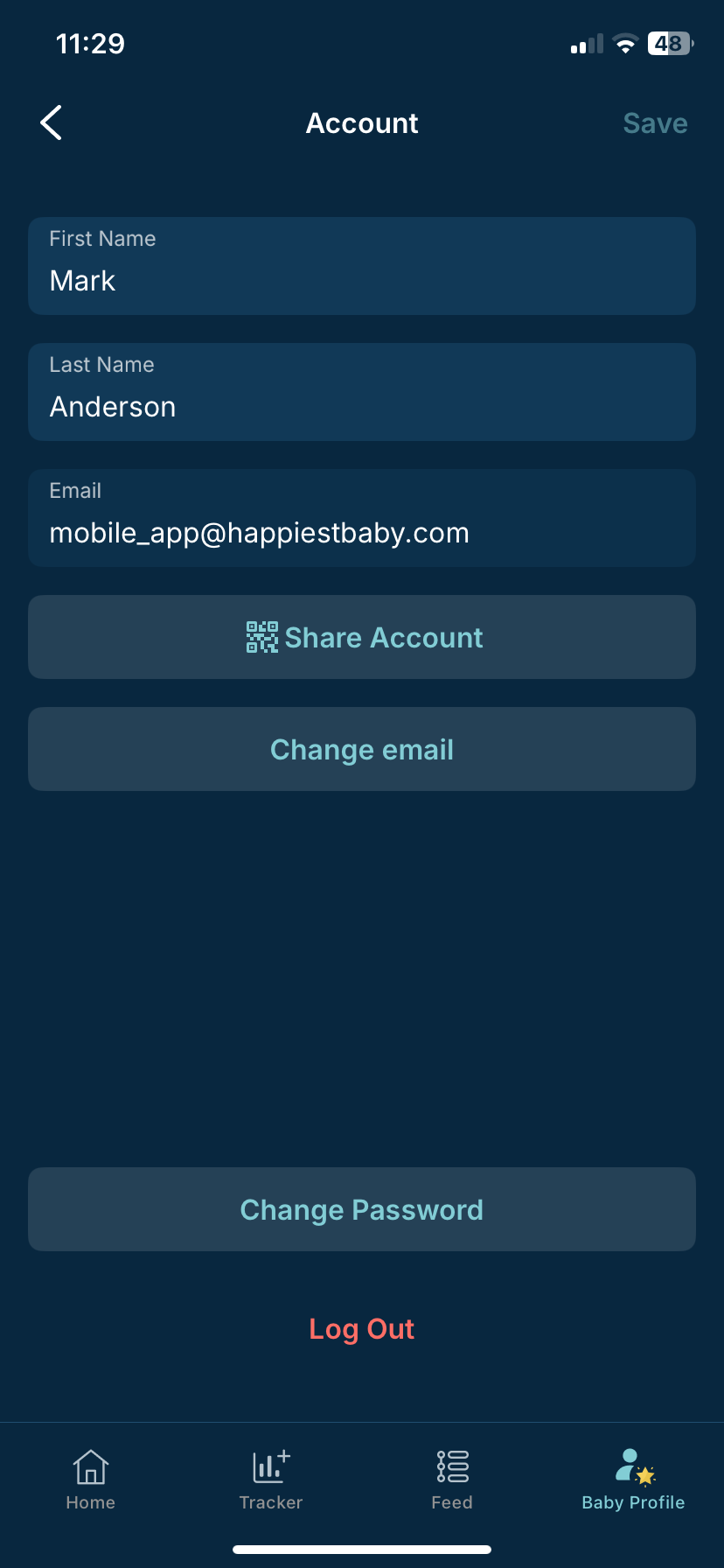
If you misspell your email address in the App, you won't receive the email confirmation to activate your account. You can simply create a new account with your correct email address. Just open the App and click Sign Up. If you want to use a different email address than the one you originally chose during signup, you can update your email address:
- Head over to the Profile icon at the bottom of your screen
- Select Account
- Tap Change email
*Certain features and access are exclusive to the Premium Subscription of the App.